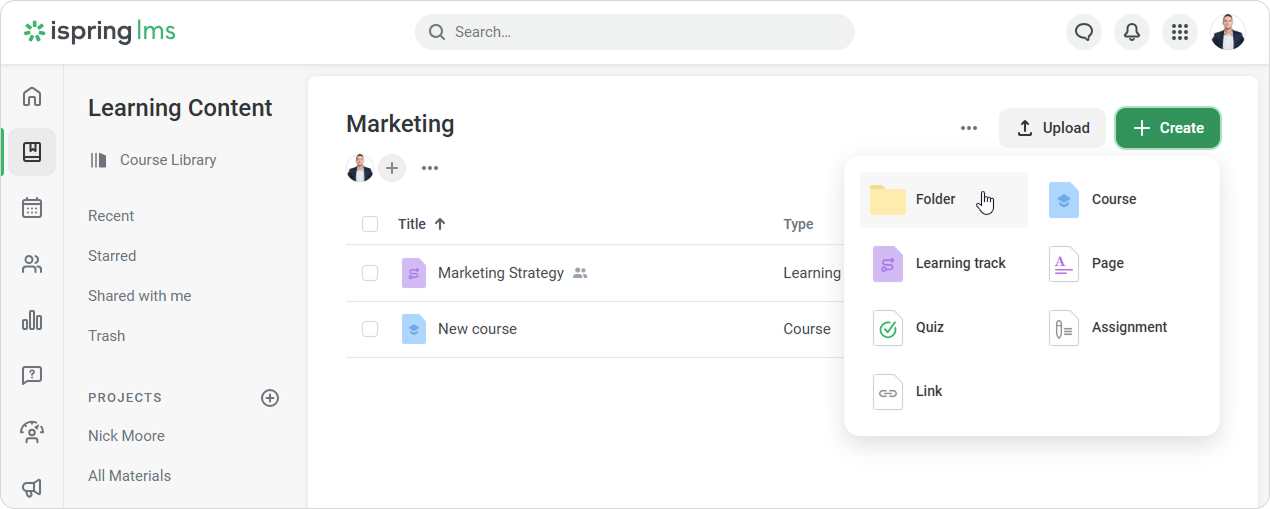
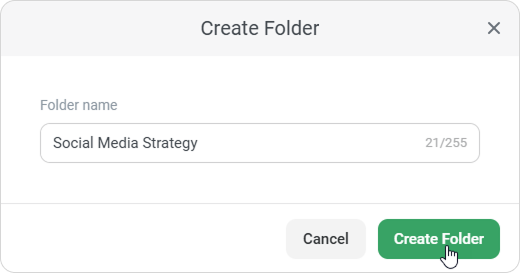
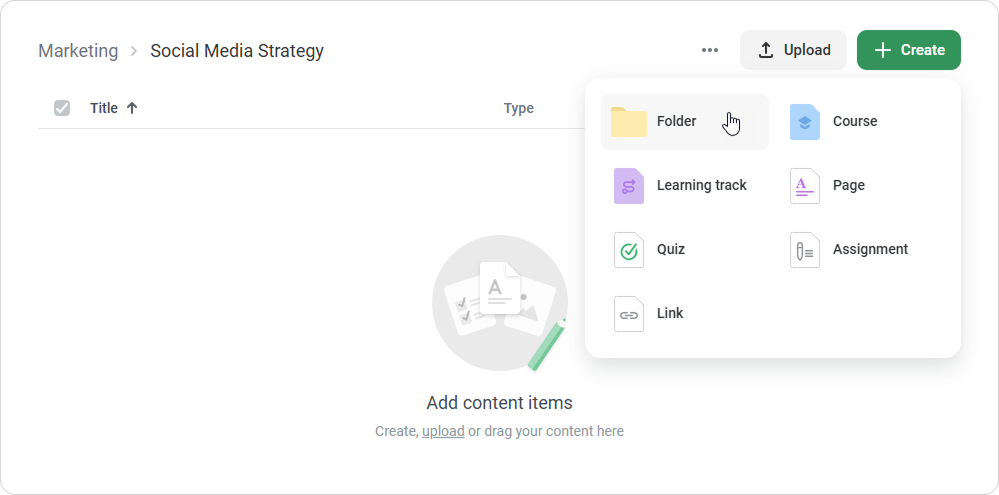
iSpring LMS Learning Content Courses Current: Creating a Folder Creating a Folder Organize your courses with folders to make them easier to navigate.In the Learning Content section, click on Create and choose Folder. Next, enter a folder name and click Create Folder. The new folder will appear in the list of courses. To create a subfolder, open a folder and click Create > Folder. Now, it's time to add content to the folder. To do this, open the folder, click Create and select the type of content you want to add.Another way to add content to a folder is to move it there. ×